Shift O'Clock Coming soon
The alarm that follows your rota.
Shift work doesn't fit a normal alarm clock. Shift O'Clock rings the right alarms on the right days and stays quiet on your days off, so you never reset a thing between shifts.
It's an Android alarm clock for people on 2-2-3, four on four off, alternate weeks or any rota of their own. Set it up once, and it works out each morning whether you're on.
Get Shift O'Clock on Google Play
How it works
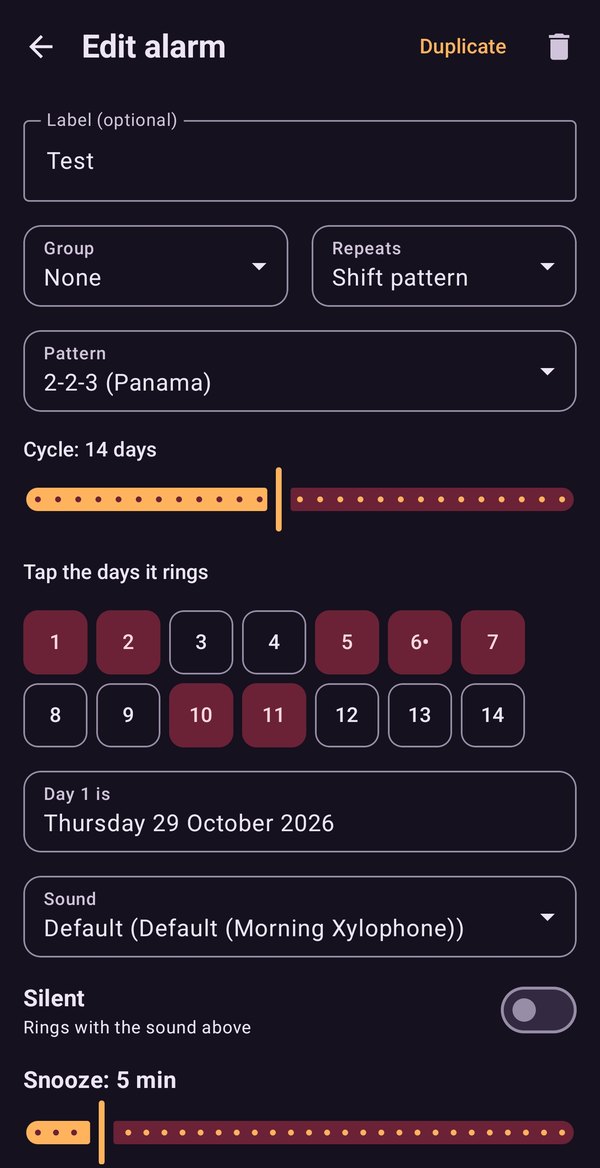
- Pick your pattern. Choose 2-2-3 (Panama), 4 on 4 off, 3 on 3 off or 5 on 2 off, or tick the days of your own cycle, up to 28 days long.
- Say where you are in it. Choose which day of the cycle a date is, and the pattern runs from there.
- Forget it. The alarm rings on your working days and skips the rest. The widget tells you where you are: "On: day 2 of 4".
What it does
- Shift patterns and rota weeks. Day cycles, or alternate-week alarms on a cycle of 1 to 12 weeks, plus monthly and yearly alarms.
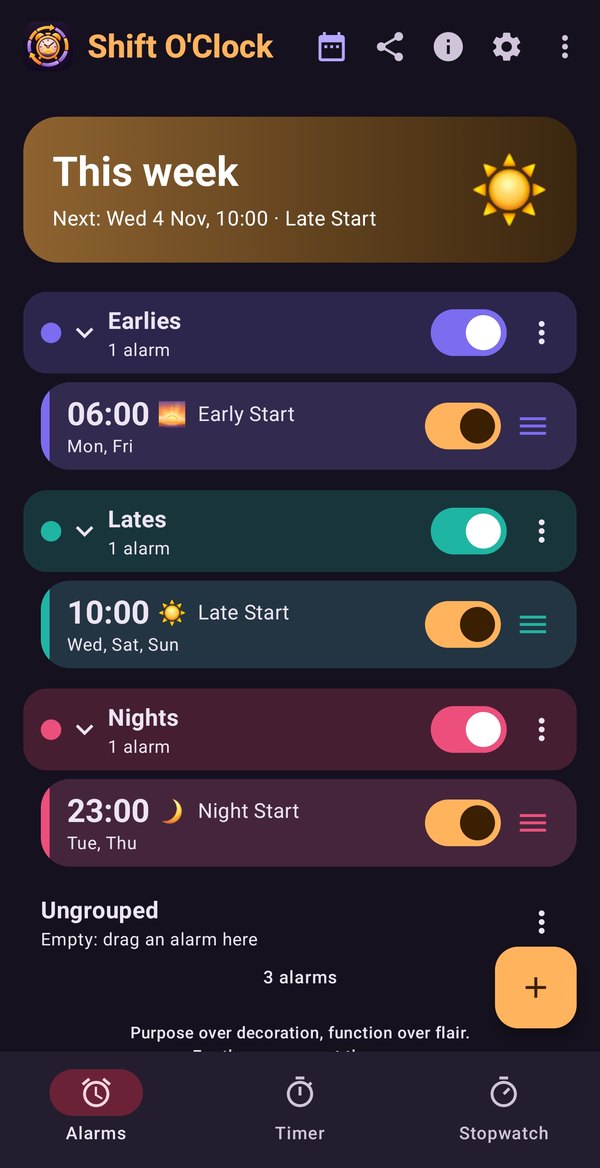
- Groups. Keep Earlies, Lates and Nights together and see which group is live this week.
- When the rota slips. Ring or skip a group for today only, or shift a group (or the whole rota) on or back a week or a day in two taps.
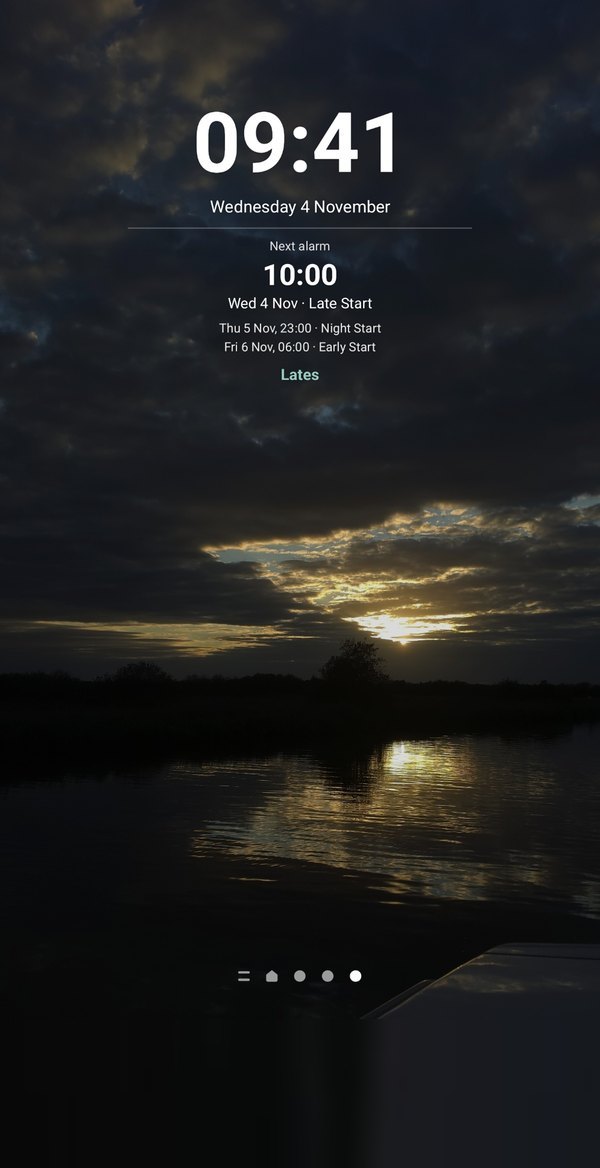
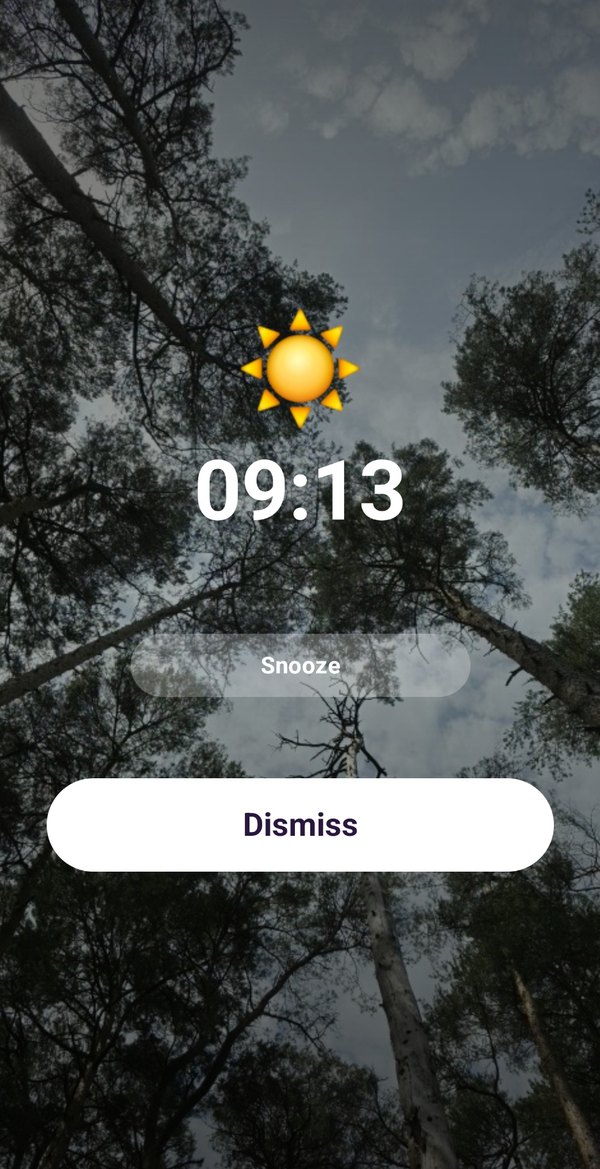
- Alarms that wake you. They ring over the lock screen, with snooze, rising volume, your own sound, vibrate-only alarms and a sum to solve before they stop. Flip the phone to snooze.
- Skip bank holidays in England and Wales, alarm by alarm.
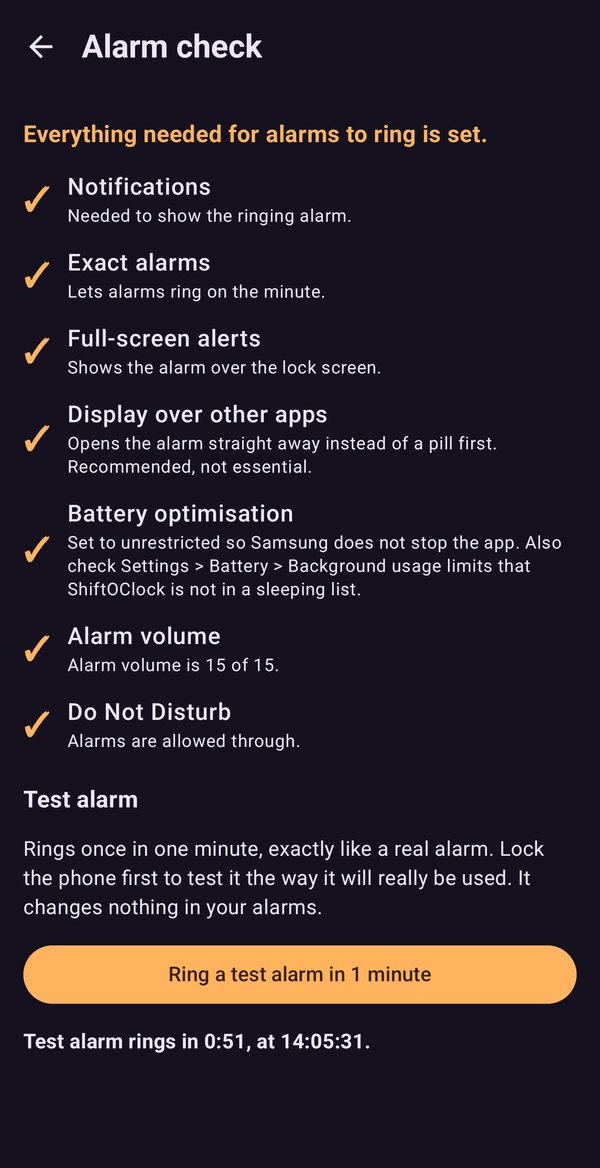
- An alarm check that tells you what could stop an alarm ringing, with a fix for each, and a one-minute test alarm.
- See what's next on a home-screen widget, and with a status-bar icon and countdown before each alarm.
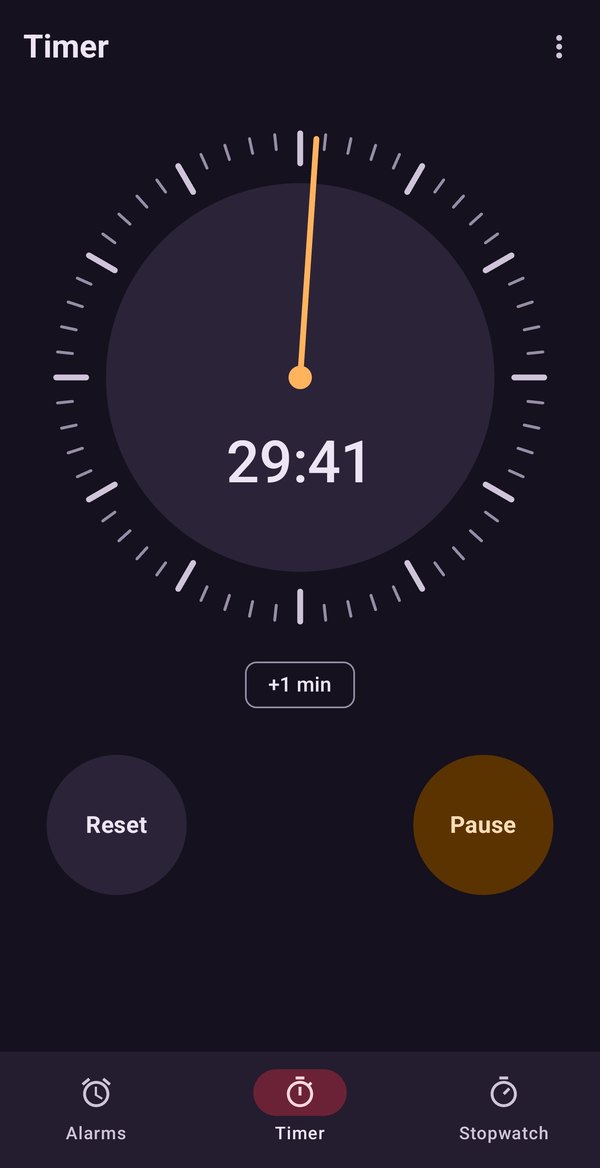
- Timer and stopwatch built in, including a floating timer and a line on the widget.
- Back up and restore your alarms, groups and pictures as a file you keep.
- Light and dark themes, or follow your phone.
What it costs
Shift O'Clock is free to use. Ordinary alarms, groups, one and two-week rotas, the timer and the stopwatch cost nothing. A single payment on Google Play unlocks shift patterns, rotas of three weeks or more and widget customising. There is no subscription and no ads, and alarms you already have keep working whether or not you unlock.
Your data
Everything stays on your phone. There is no account and no server, and nothing is uploaded. The only thing the app asks Google Play is whether you have bought the unlock. Read our privacy policy.
Get Shift O'Clock on Google Play
Questions
Email [email protected].